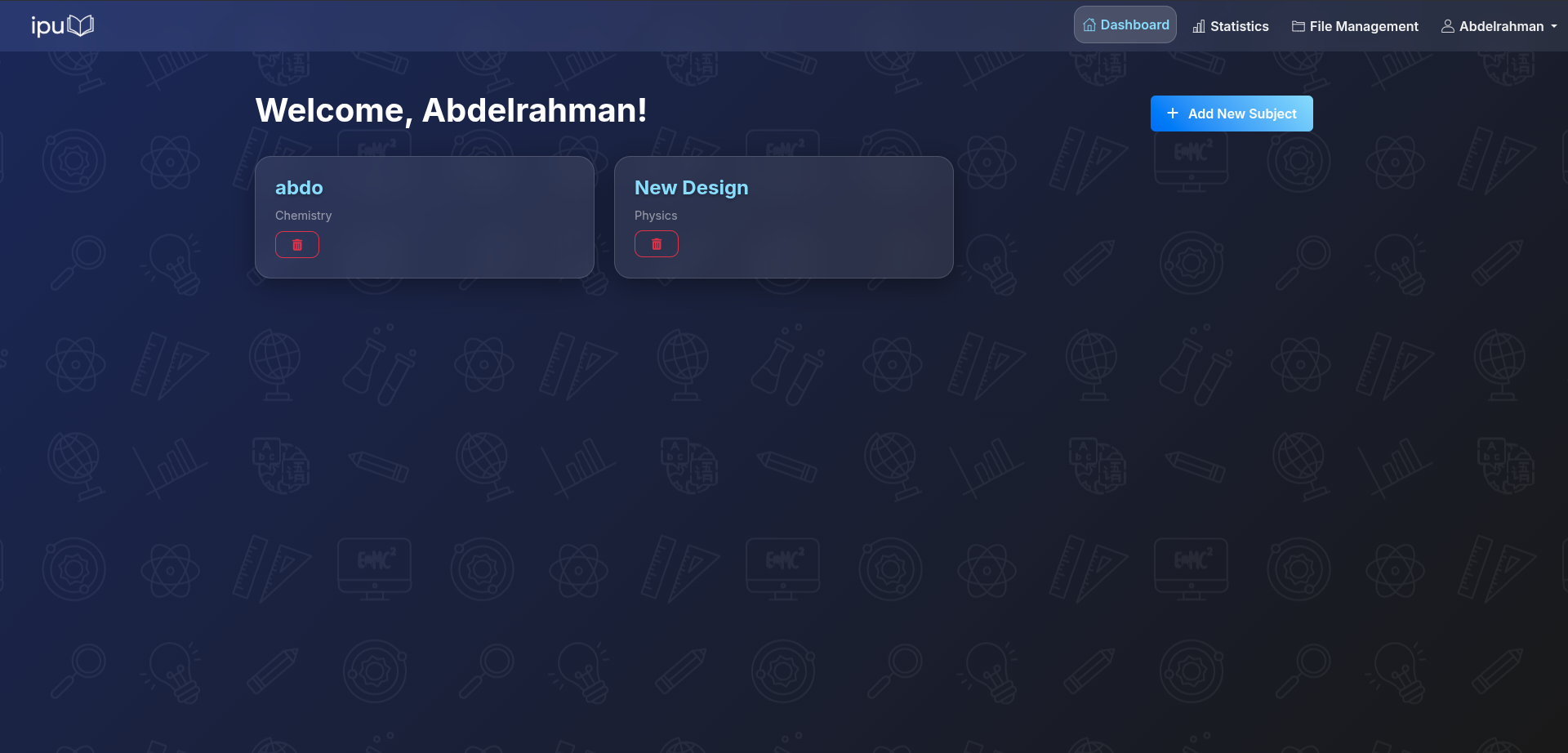
Eabo (Ipu)
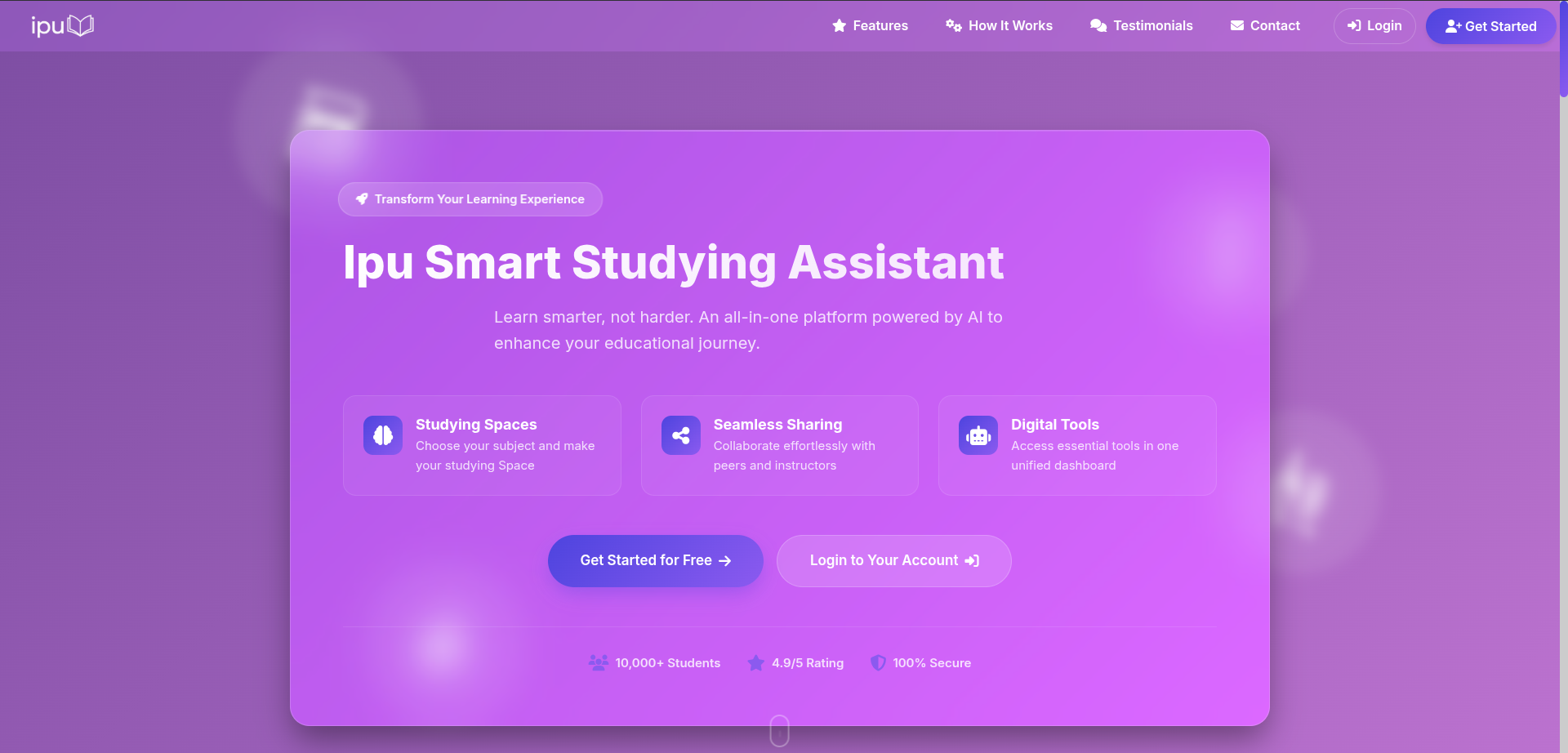
Eabo is a Flask-based educational web application built around subject dashboards, personal task tracking, file uploads, and a set of study tools for math, physics, chemistry, computer science, and Arabic.
Overview
The application is currently organized as a single Flask service in main.py with:
- user registration, login, logout, and session-based authentication
- OTP email flows for registration and account-sensitive actions
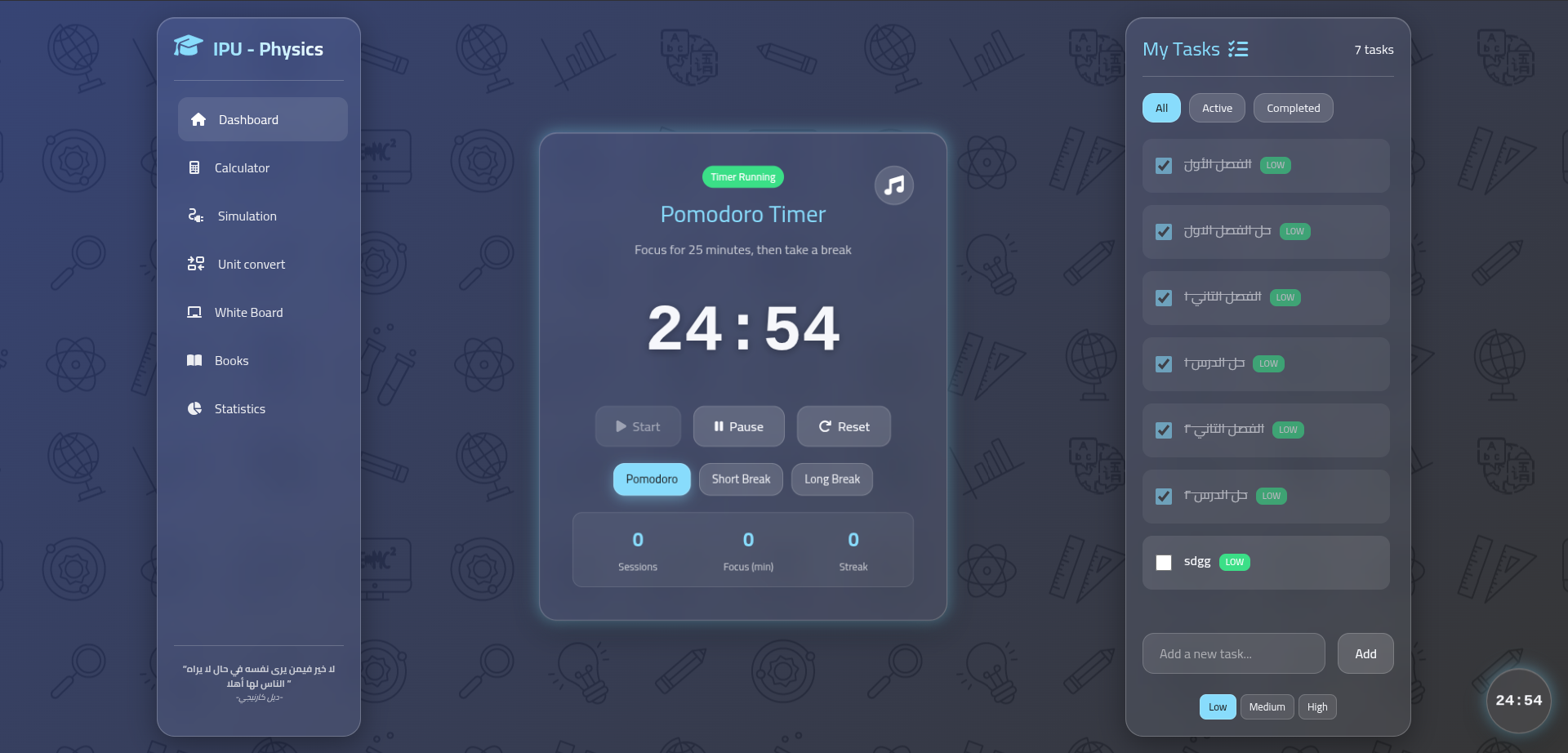
- subject-specific dashboards and task management
- user profile and account settings pages
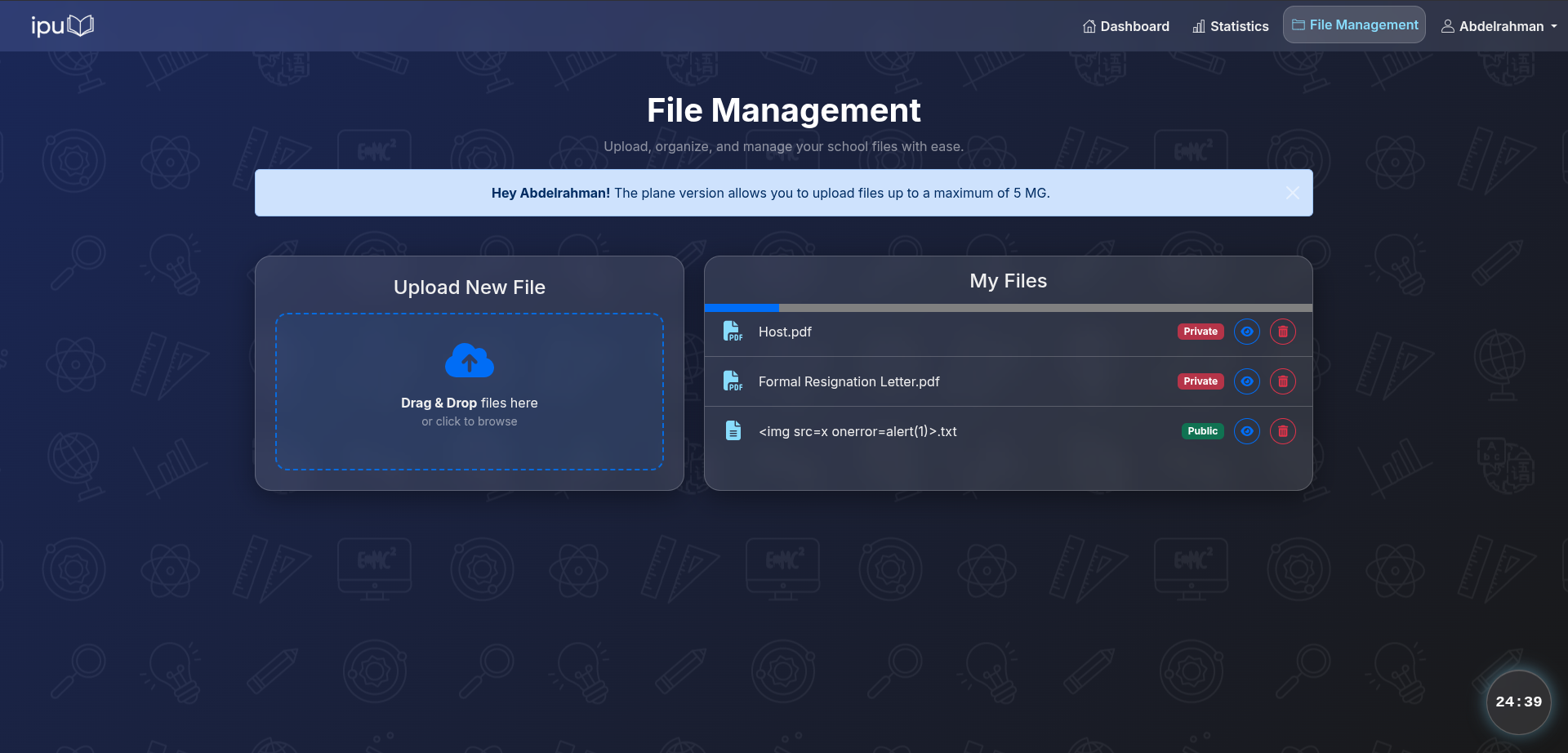
- file upload, viewing, download, and deletion
- interactive study pages such as calculators, a whiteboard, chemistry tools, GeoGebra, and Arabic utilities
- SQLite-backed persistence for users, tasks, subjects, files, and OTP codes
Tech Stack
- Python 3
- Flask
- Flask-Session
- Flask-WTF / CSRF protection
- Flask-Mail
- SQLite
- Jinja2 templates
- Vanilla HTML, CSS, and JavaScript
Repository Structure
.
├── main.py              # Main Flask application, routes, and business logic
├── helpers.py           # Authentication decorators
├── forms.py             # Flask-WTF forms
├── requirements.txt     # Python dependencies
├── epo.db               # Primary application database
├── public_ip.db         # Auxiliary SQLite database
├── templates/           # Jinja templates for app pages
├── static/              # CSS, assets, PDF.js bundle, and local data files
├── uploads/             # Uploaded user files
└── test.py              # Small API test script for Arabic text tooling
Main Features
Authentication and account management
- Register and log in with email and password
- Password hashing with Werkzeug
- Email validation and disposable-email rejection
- OTP generation and email delivery for verification flows
- Update profile details, email, and password
- Delete account and associated uploaded files
Subject workspaces
- Subject dashboards for:
- Math
- Physics
- Chemistry
- Arabic
- Computer Science
- Per-subject task creation, update, completion, and deletion
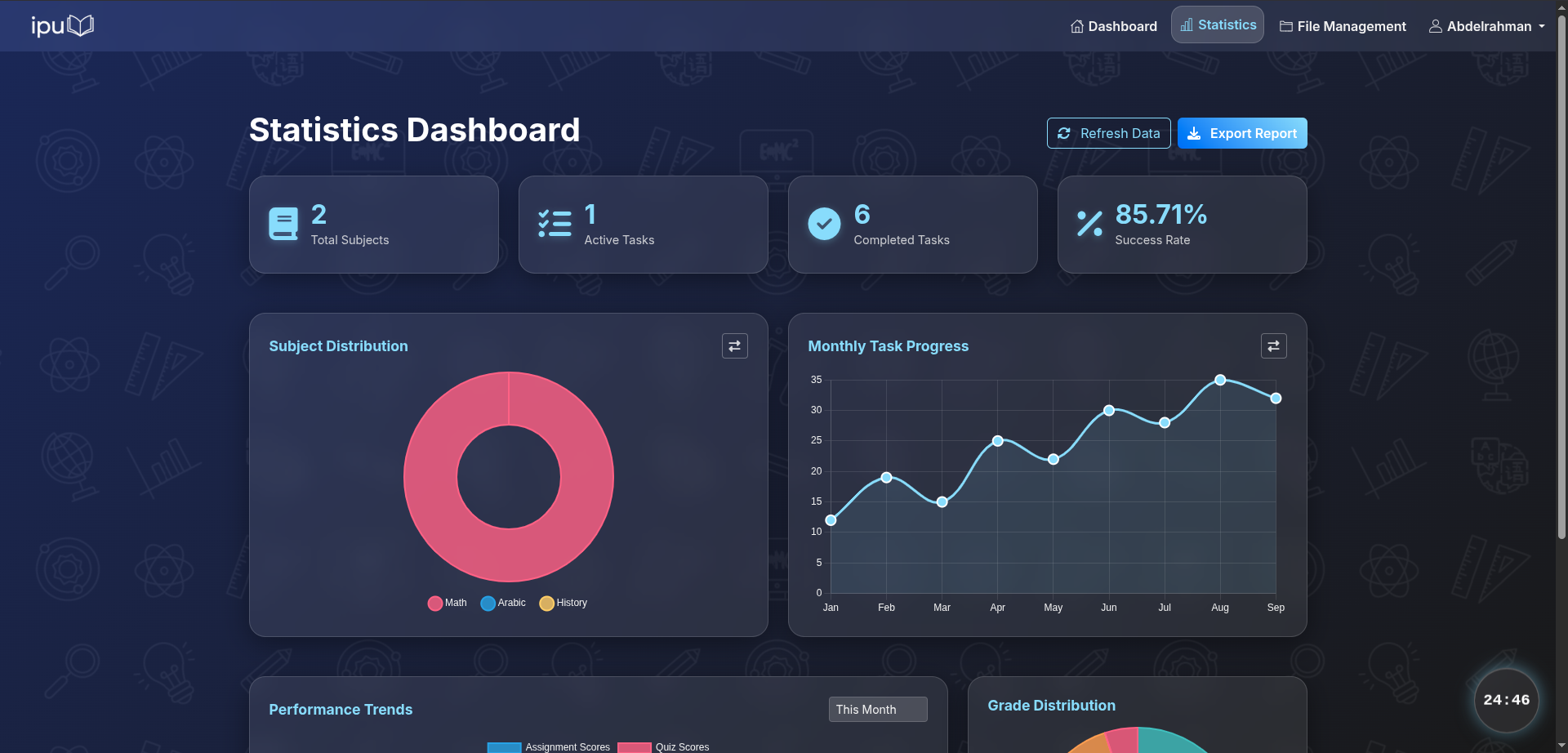
- Statistics page for subject progress
- Daily Arabic quote display
Learning tools
- GeoGebra page
- Calculator and board pages
- Periodic table and chemistry simulations
- Molecule viewer
- Arabic dictionary, formatting, and grammar-related pages
- PDF viewing support via the bundled PDF.js assets
File management
- Upload files into the local
uploads/directory - View or download uploaded files
- Delete uploaded files
- Basic privacy handling through database records and route checks
Requirements
- Python 3.10+ recommended
pip- A configured SMTP account for OTP email delivery
Installation
- Clone the repository.
- Create and activate a virtual environment.
- Install dependencies from
requirements.txt.
git clone <repository-url>
cd eabo
python3 -m venv .venv
source .venv/bin/activate
pip install -r requirements.txt
If pip install -r requirements.txt fails because the file uses Windows-style encoding, convert it first:
iconv -f utf-16 -t utf-8 requirements.txt > /tmp/requirements.utf8.txt
pip install -r /tmp/requirements.utf8.txt
Environment Variables
Create a .env file in the project root with the mail settings used by Flask-Mail:
MAIL_SERVER=smtp.example.com
MAIL_PORT=587
MAIL_USE_TLS=True
MAIL_USERNAME=your_email@example.com
MAIL_PASSWORD=your_app_password
Notes:
main.pyloads variables withpython-dotenv.- OTP email flows depend on the mail configuration being valid.
- The Flask
SECRET_KEYis generated at startup, so existing sessions are invalidated whenever the app restarts.
Running the App
Start the development server with:
python3 main.pyBy default, the app runs on port 5000.
Open:
http://127.0.0.1:5000/Database Notes
The project ships with SQLite database files already present in the repository:
epo.dbpublic_ip.db
Current tables in epo.db include:
userssubjectstasksfilesotpplanstimer
There is no dedicated migration system in the repository, so schema changes are currently managed manually.
Development Notes
- Most application logic lives in
main.py, so route changes and feature work are centralized there. - Templates and route names are tightly coupled; renaming pages usually requires updating both the route and its corresponding template.
- Uploaded files are stored locally, not in external object storage.
- The project includes committed runtime data such as databases and uploaded files, so use care when testing destructive flows.
Known Limitations
- The application is not yet structured as a package or blueprint-based Flask project.
- Configuration, routing, and database access are largely combined in one file.
- There is no automated test suite for the main web application.
SESSION_COOKIE_SECUREis currently disabled in code, which is acceptable for local development but not for production.
License
No explicit software license is included in this repository. If you plan to reuse or distribute the project, add a license file first.