NASA Weather
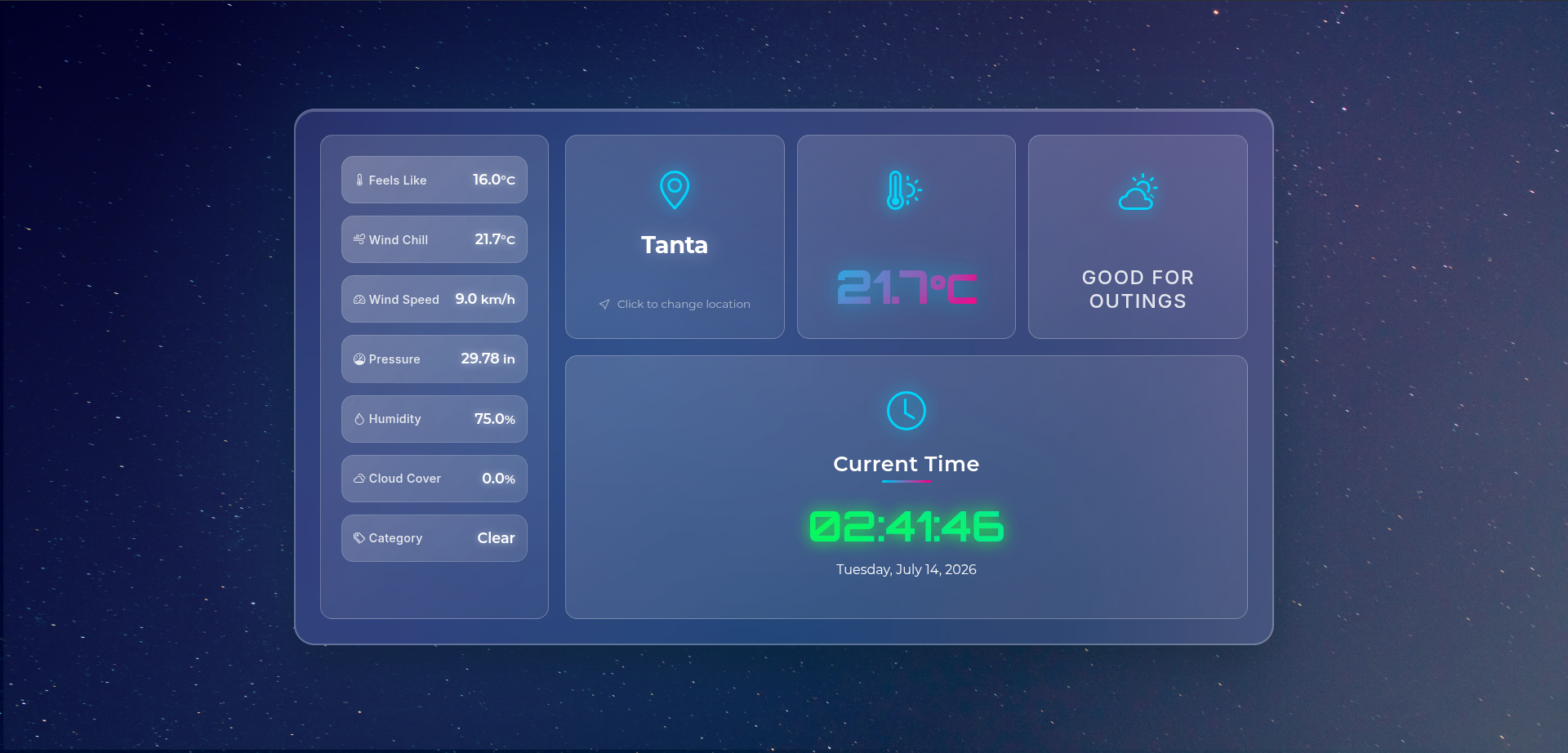
A Flask-based weather dashboard that fetches live conditions from WeatherAPI and renders a styled, location-aware UI with current conditions, forecast cards, and weather metrics.
Features
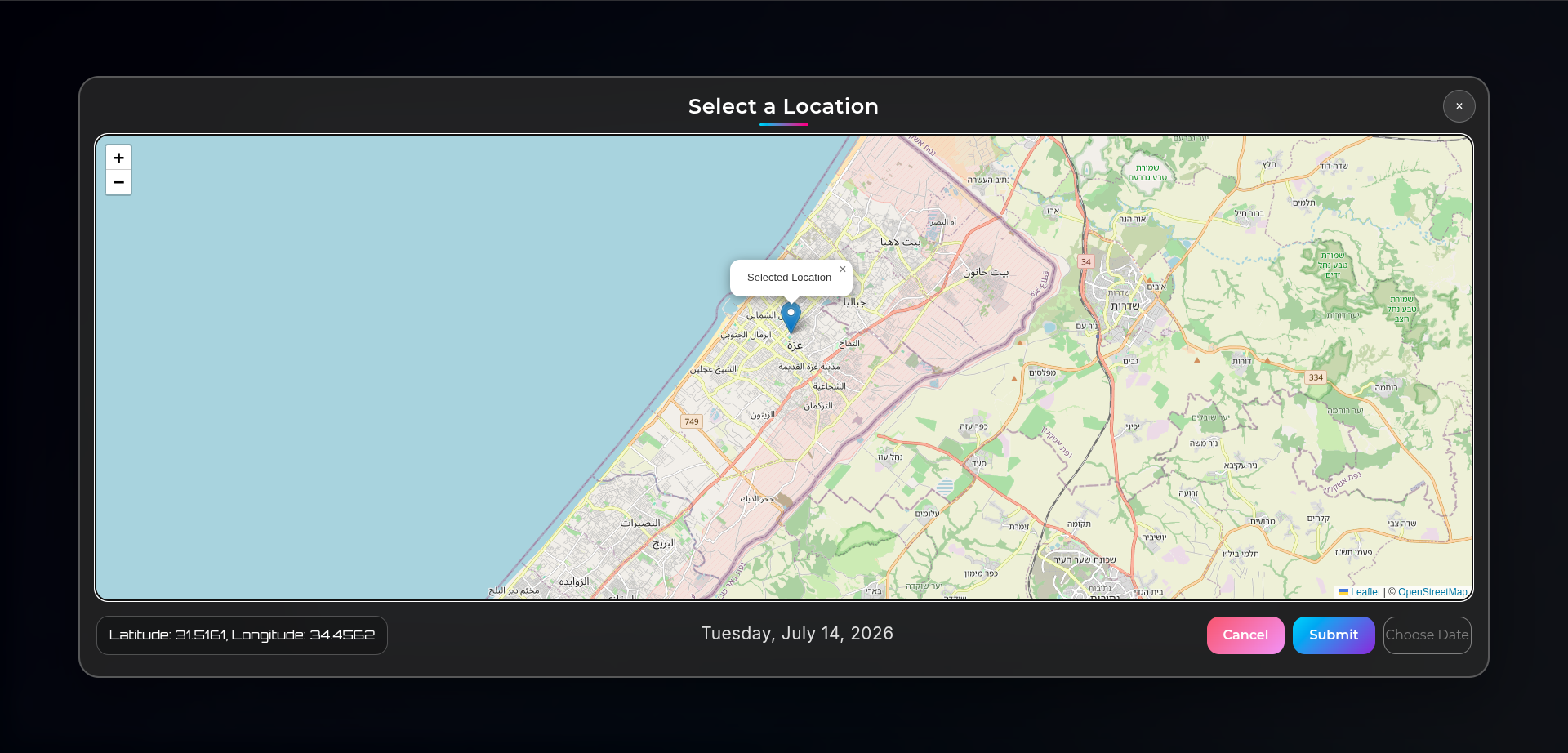
- Live weather lookup by IP or latitude/longitude
- Current conditions, feels-like temperature, wind, humidity, pressure, visibility, and UV index
- Multi-day forecast display
- Dynamic background and icon selection based on weather conditions
- SQLite-backed traffic tracking by client IP
Tech Stack
- Python
- Flask
- Requests
- SQLite
- Gunicorn for production
Project Layout
app.py- Flask application entrypointtemplates/- Jinja templates for the dashboard and error pagesstatic/- CSS, service worker, manifest, and image assetspublic_ip.db- SQLite database used for traffic trackingProcfile- Production start command
Requirements
Install the dependencies listed in requirements.txt:
- Flask
- requests
- numpy
- xarray
- pydap
- gunicorn
- python-dotenv
Setup
- Create and activate a virtual environment.
- Install dependencies:
pip install -r requirements.txt- Add environment variables in a
.envfile:
WEATHER_API_KEY=your_weatherapi_key
FLASK_SECRET_KEY=your_secret_key
WEATHER_API_KEY is used to call WeatherAPI. FLASK_SECRET_KEY is optional but recommended for sessions.
Run Locally
Start the Flask development server:
python app.pyThe app runs on 0.0.0.0:5006 in debug mode.
Production
The repository includes a Procfile for Gunicorn-based deployment:
gunicorn app:appHow It Works
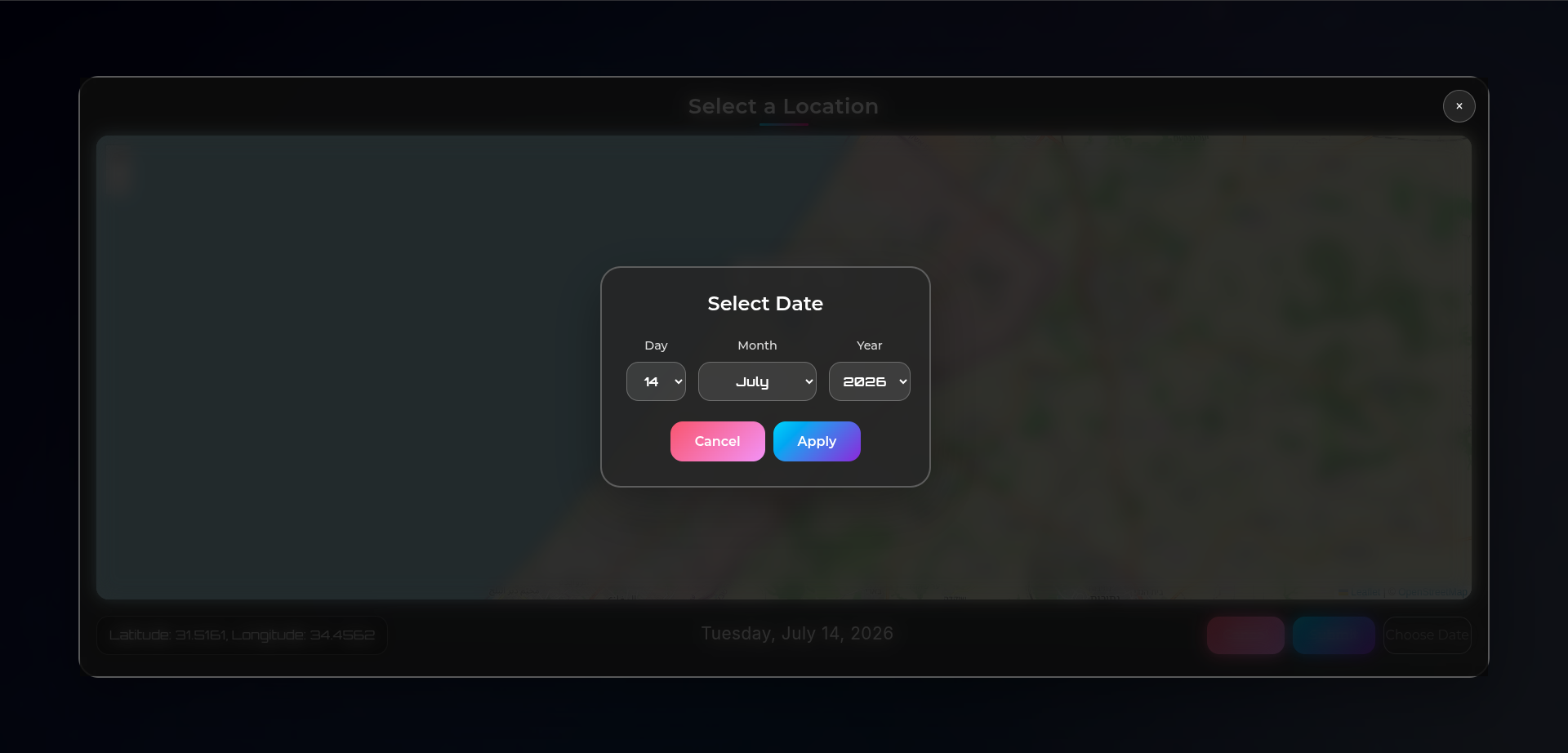
GET /loads the dashboard using the client IP as the lookup key.POST /accepts JSON coordinates and responds with a redirect target.GET /<lat>/<lon>loads weather for a specific coordinate pair.
Notes
- The app stores request counts in
public_ip.db. - Weather background images are selected from files under
static/img/. - If you replace assets or templates, keep the image names aligned with the condition mapping in
app.py.